

Imagine opening your medicine cabinet, grabbing a bottle, and not being able to read what’s inside. Not just blurry text - but completely unreadable. For over 12 million Americans with low vision, this isn’t rare. It’s daily. And the consequences? Taking the wrong pill, missing a dose, or even overdosing. The good news? There are real, proven solutions - and they’re already available at most major pharmacies.
Why Standard Prescription Labels Don’t Work for Low Vision
Most prescription labels are printed in tiny, 8- to 10-point font. That’s smaller than the text on a smartphone notification. For someone with macular degeneration, glaucoma, or diabetic retinopathy, reading that label isn’t just hard - it’s impossible without magnifiers, bright lights, and hours of squinting. And even then, mistakes happen. A study from the National Center for Biotechnology Information found that people with moderate vision loss couldn’t read fonts smaller than 14 point. Yet, standard labels are often 8 point. That’s not an accident. It’s a design flaw that puts lives at risk. People with low vision are 3 times more likely to make dangerous medication errors than those with full vision. Taking insulin when you meant to take blood pressure pills? That’s not a typo - it’s a medical emergency.What Makes a Prescription Label Actually Accessible?
Accessible doesn’t mean “a little bigger.” It means following science-backed standards. The American Foundation for the Blind (AFB) recommends a minimum of 18-point font - and many users need 24-point for full clarity. But size alone isn’t enough. Here’s what works:- Font type: Sans-serif fonts like Arial, Verdana, or APHont™ (a font designed by the American Printing House for the Blind) are easiest to read. Avoid decorative or serif fonts.
- Contrast: Black text on a white background. No gray, no beige, no pastels. High contrast cuts through glare and visual fog.
- Layout: Left-aligned text. Instructions in lowercase letters, with uppercase numbers for doses (e.g., “take 2 tablets”). Yellow highlights for critical warnings like “May cause drowsiness.”
- Material: Non-glare, durable paper. Glossy labels reflect light and become unreadable under fluorescent pharmacy lights.
The Three Main Types of Accessible Labels
Not all accessible labels are the same. There are three main systems - each with pros and cons.1. Large Print Labels (18-24 Point Font)
This is the most common solution. It’s simple, immediate, and doesn’t require any tech. You don’t need a phone, app, or device. Just hold the bottle and read. Pros: No setup, no batteries, works anywhere, low cost for pharmacies. Cons: Space is limited. Complex meds with multiple instructions may need duplicate labels. Some users still need magnifiers.2. Audible Labels (ScripTalk)
ScripTalk uses RFID technology. Each bottle has a small, invisible chip. When you tap it with a handheld reader (or a smartphone app), it plays back the full prescription details in a clear voice: drug name, dosage, timing, warnings, pharmacy info. Pros: Full information. No reading required. Works for people who are blind or can’t read at all. Available at CVS, Walgreens, and other major chains. Cons: You need the reader. Some users - especially older adults - don’t know how to use it. The device costs $150-$200. Not all pharmacies have them stocked.3. QR Code + Audio Labels (ScriptView)
UK HealthCare and some other systems use QR codes. Scan the code with your phone, and an audio recording plays. Some even let you choose language or speed. Pros: No extra hardware needed - your phone does the work. Can include refill reminders, side effect tips, and caregiver instructions. Cons: Requires smartphone, data, and comfort with apps. Not useful for people without smartphones or digital access.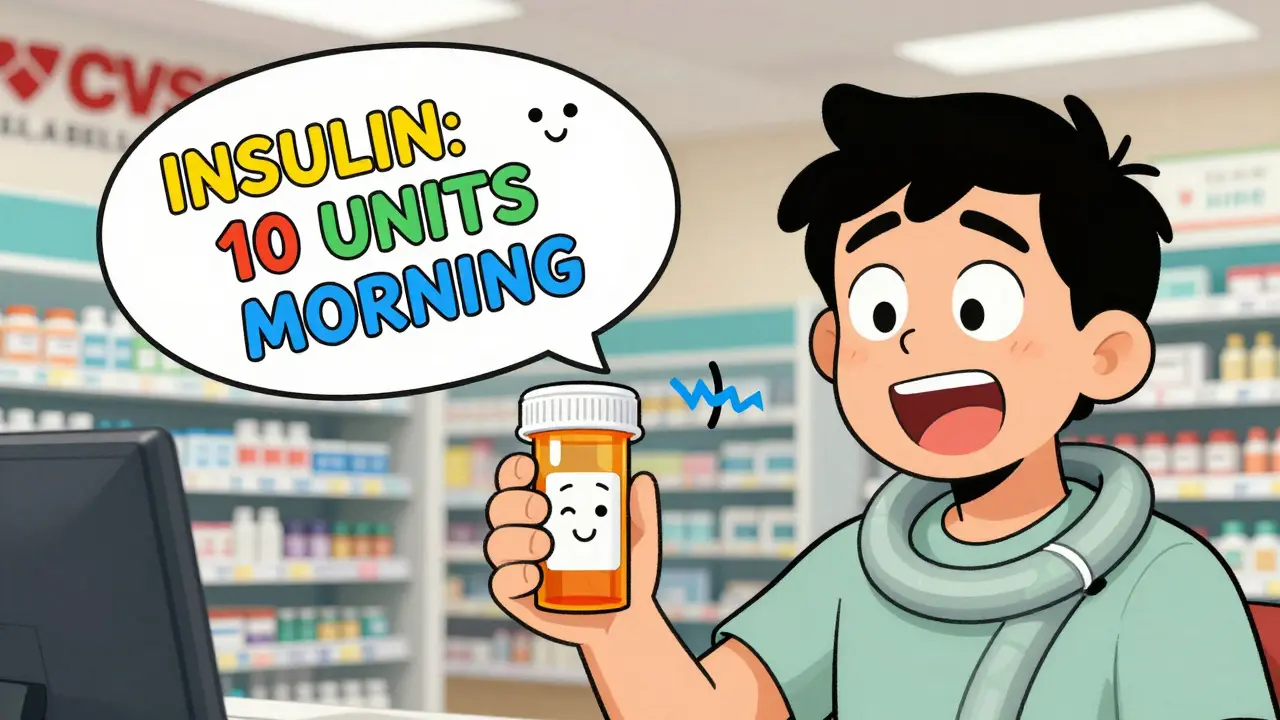
What Pharmacies Offer - And What They Don’t
You’d think every pharmacy would offer these. But they don’t - not consistently. As of 2023:- CVS: Offers large print, ScripTalk, and translated labels. Over 98% of locations have at least one option.
- Walgreens: Large print and ScripTalk. Training staff is ongoing - some locations still don’t know how to request them.
- Walmart: Large print available. No ScripTalk yet.
- Independent pharmacies: Only 52% offer any accessible label. Many still say, “We don’t have those.”
How to Get Accessible Labels - Step by Step
1. Call ahead. Ask: “Do you offer large print or audible prescription labels?” Don’t say “for the blind.” Say “for low vision.” That’s the term pharmacies use in training. 2. Specify your need. “I need 18-point font with black text on white.” Or: “I need ScripTalk with the handheld reader.” Be clear. 3. Request it at pickup. Even if you called, ask again when you pick up your prescription. Pharmacists are busy. It’s easy to forget. 4. Ask for a duplicate label. If the label is still too small, ask if they can print a second, larger one to stick on the bottle. 5. Get trained. If you’re using ScripTalk, ask the pharmacist to show you how to use the reader. Most will do it for free. 6. Report problems. If a pharmacy says “no,” file a complaint with the American Foundation for the Blind or the National Federation of the Blind. Under the ADA, they’re legally required to provide reasonable accommodations.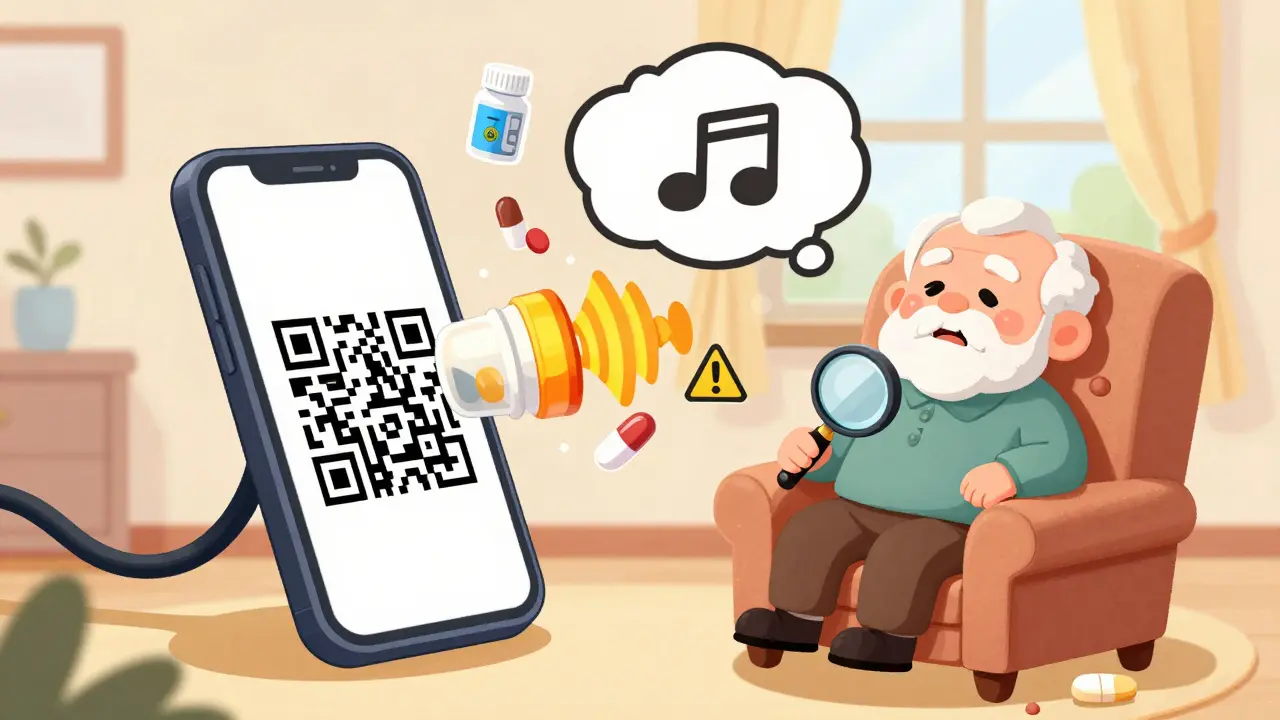
Real People, Real Results
One user on Reddit, ‘VisionLiberation,’ said: “Since my pharmacy started offering 18-point Arial labels, I stopped taking the wrong pills twice a week. It’s literally life-changing.” A 78-year-old diabetic in Kentucky switched to ScriptView labels with QR audio. Within three months, her hypoglycemic episodes dropped by 75%. She stopped going to the ER. In a study of 2,315 users, 82% said their medication adherence improved after using accessible labels. And 67% admitted they’d made a dangerous error before - because they couldn’t read the label.What’s Coming Next?
The FDA is pushing for change. By 2026, electronic prescriptions and patient portals must include accessible formats. CVS is investing $15 million to roll out ScripTalk to all 9,900 of its U.S. pharmacies by late 2024. New tech is emerging too. Be My Eyes, a free app that connects blind users with sighted volunteers via video call, now lets users point their phone at a prescription label and get it read aloud in real time. Over 1.2 million label readings have been done monthly since June 2023. The goal? No one should have to guess what’s in their pill bottle.Final Thoughts: This Isn’t a Luxury - It’s a Safety Measure
Accessible prescription labels aren’t about convenience. They’re about survival. They prevent hospital visits, reduce deaths, and restore independence. And they’re not expensive for pharmacies to offer - the cost is a few extra sheets of paper or a small device. If you or someone you care about has low vision, don’t wait for a mistake to happen. Ask for large print. Ask for audio. Ask for help. You have the right to read your own medication instructions. And pharmacies have the legal and moral duty to give them to you.Are large print prescription labels free?
Yes. All major pharmacy chains - CVS, Walgreens, Walmart - offer large print, audible, and QR code labels at no extra cost. You don’t pay for the label, the reader, or the app. It’s part of their service under the FDA Safety and Innovation Act and the Americans with Disabilities Act.
Can I get accessible labels for over-the-counter meds?
Not automatically. Pharmacies only provide accessible labels for prescription medications. But you can ask your pharmacist to help you create a large print version of OTC labels using their printer. Some pharmacies will do this as a courtesy, especially if you’re a regular customer.
What if my pharmacy says they don’t offer accessible labels?
That’s not legal. Under Title III of the Americans with Disabilities Act, pharmacies must provide reasonable accommodations for people with disabilities - including accessible prescription labels. If they refuse, ask to speak to the manager. If they still say no, file a complaint with the National Federation of the Blind or the U.S. Department of Justice. Over 17 formal complaints were filed in 2022 alone, resulting in $450,000 in settlements.
Do I need a doctor’s note to get large print labels?
No. You do not need a doctor’s note, proof of diagnosis, or any documentation. You only need to ask. Pharmacists are trained to honor requests for accessible labels based on patient self-reporting. If they ask for paperwork, they’re mistaken - and you can politely correct them.
Can I use my phone’s camera to read my prescription label?
Yes - and it’s a good backup. Apps like Be My Eyes, Seeing AI, and Google’s Lookout can scan and read small text aloud. But they’re not foolproof. Glare, poor lighting, or smudged labels can confuse the app. They’re helpful, but not a replacement for a properly printed large print or audible label. Use them as a secondary tool, not your only one.
How do I know if my pharmacy has ScripTalk?
Call the pharmacy and ask: “Do you have ScripTalk audible labels?” You can also check CVS’s website - they list locations with ScripTalk. Walgreens also has a searchable map on their accessibility page. If you’re unsure, just ask when you pick up your prescription. The pharmacist can tell you right away.
Are braille labels a good option for low vision?
Braille is excellent for people who are blind and read braille - but only about 10% of people with low vision learn braille. Most people with low vision still have some usable sight, so large print or audio is more practical. Braille labels also require special printers and are rarely offered by pharmacies. Unless you’re a fluent braille reader, focus on large print or audible labels instead.
 Health and Wellness
CAROL MUTISO
December 15, 2025 AT 17:30Let’s be real-pharmacies treat accessibility like a bonus feature, not a human right. I’ve seen pharmacists stare at me like I asked for a unicorn when I requested a 24-point label. Meanwhile, my insulin bottle looks like it was printed by a toddler with a shaky hand. And yet, they’ll spend $200 on a neon-green promotional pen but won’t print a label that doesn’t require a magnifying glass and a PhD in squintology. It’s not ‘convenient.’ It’s negligence dressed up as bureaucracy.
And don’t get me started on ‘ScripTalk.’ Sure, it’s brilliant. But if your grandmother can’t figure out how to tap a chip without accidentally calling 911, then it’s not accessible-it’s just another tech toy for people who think ‘user-friendly’ means ‘has a button labeled ‘click here.’’
Anna Giakoumakatou
December 16, 2025 AT 23:53Oh, so now we’re treating medication labels like they’re in a museum exhibit? ‘Please handle with care-this text was designed for people who still have functional retinas.’ How quaint. I mean, I get it-people are blind. But the real issue isn’t font size. It’s that society refuses to acknowledge that disability isn’t a niche market. It’s a spectrum. And if your pharmacy can’t handle a 14-point font without a union vote, maybe they shouldn’t be dispensing life-altering drugs at all.
Also, QR codes? Cute. Until your phone dies. Or the Wi-Fi’s down. Or you’re in a Walmart at 2 a.m. after a seizure. Then what? You just… guess? Brilliant design, really.
BETH VON KAUFFMANN
December 17, 2025 AT 11:29Let’s unpack the ADA compliance angle here. The FDA Safety and Innovation Act mandates accessibility, but enforcement is a joke. Pharmacies operate under the ‘if no one complains, it doesn’t exist’ doctrine. The real problem isn’t the labels-it’s the systemic failure of liability avoidance. Why spend $0.02 on a larger font when you can shift liability to the patient? ‘You didn’t ask.’ ‘We didn’t know.’ ‘We assumed.’ Classic corporate triage.
Also, ‘duplicate labels’? That’s not a solution-it’s a bandage on a hemorrhage. You’re not fixing the design flaw-you’re just adding more paper to the problem. And don’t even get me started on ‘APHont.’ It’s not a font. It’s a corporate PR stunt with a fancy acronym.
Martin Spedding
December 17, 2025 AT 20:02lol so pharmacies are just… not doing their job? shocker. also, scrip talk? sounds like a startup that got funded by a guy who thinks ‘accessibility’ means ‘making stuff sound fancy.’
my grandma tried to use the qr code thing and scanned a napkin by accident. she’s 82. not a tech bro. fix the damn label. not the app.
Donna Packard
December 18, 2025 AT 03:25I’m so glad this post exists. My mom just got her first large-print label last week-and she cried. Not because she’s sad, but because for the first time in years, she didn’t have to call me at 11 p.m. to ask if the blue pill was for her heart or her blood sugar. It’s not about tech. It’s about dignity. Thank you for saying this out loud.
Raven C
December 19, 2025 AT 16:40How utterly… pedestrian. One would assume that in a nation that spends billions on pharmaceutical patents, a 12-point font would be considered a civil rights violation. And yet, here we are-relying on the goodwill of overworked pharmacists who, frankly, have more pressing concerns than whether your insulin bottle is legible. This isn’t innovation. It’s remediation. And it’s long overdue. The fact that we’re still having this conversation in 2025 is a moral indictment.
Moreover, the suggestion that one must ‘ask’ for accessibility is an affront to the very principle of universal design. One does not ask for oxygen. One does not ask for water. One should not have to ask to read the label on one’s own medication. It is not a privilege. It is a prerequisite for survival.
Erik J
December 20, 2025 AT 13:53I’ve used ScripTalk at CVS for a year now. The reader is clunky, and the voice is monotone, but it works. I don’t need to guess anymore. I don’t need to call my daughter. I don’t need to risk a trip to the ER because I took metformin instead of lisinopril. The system isn’t perfect, but it’s functional. And that’s more than I had before.
What I wish more people understood is that accessibility isn’t about ‘helping the disabled.’ It’s about removing barriers so people can live without constantly needing a backup plan. The tech isn’t magic. But the change? It’s real.
Sam Clark
December 22, 2025 AT 11:18Thank you for outlining the steps clearly. I’ve worked with elderly patients for over a decade, and the single most consistent barrier isn’t technology-it’s shame. Many don’t ask because they fear being seen as ‘difficult’ or ‘complaining.’ They’d rather risk error than inconvenience someone. That’s the real tragedy.
Pharmacists need training, yes-but patients need permission. Permission to say, ‘I can’t read this,’ without apology. And pharmacies need to respond with grace, not bureaucracy. This isn’t a special request. It’s a standard of care. Let’s treat it that way.
Patrick A. Ck. Trip
December 23, 2025 AT 13:19Just wanted to say i tried the be my eyes app last week when my pharmacy ran out of large print labels. it worked decently but the lighting in the aisle was terrible and it misread the dose twice. still better than nothing though. maybe someday we’ll just have smart bottles that auto-read themselves. until then, keep asking. it matters.
ps: thanks for the tip about duplicate labels. gonna try that tomorrow.