
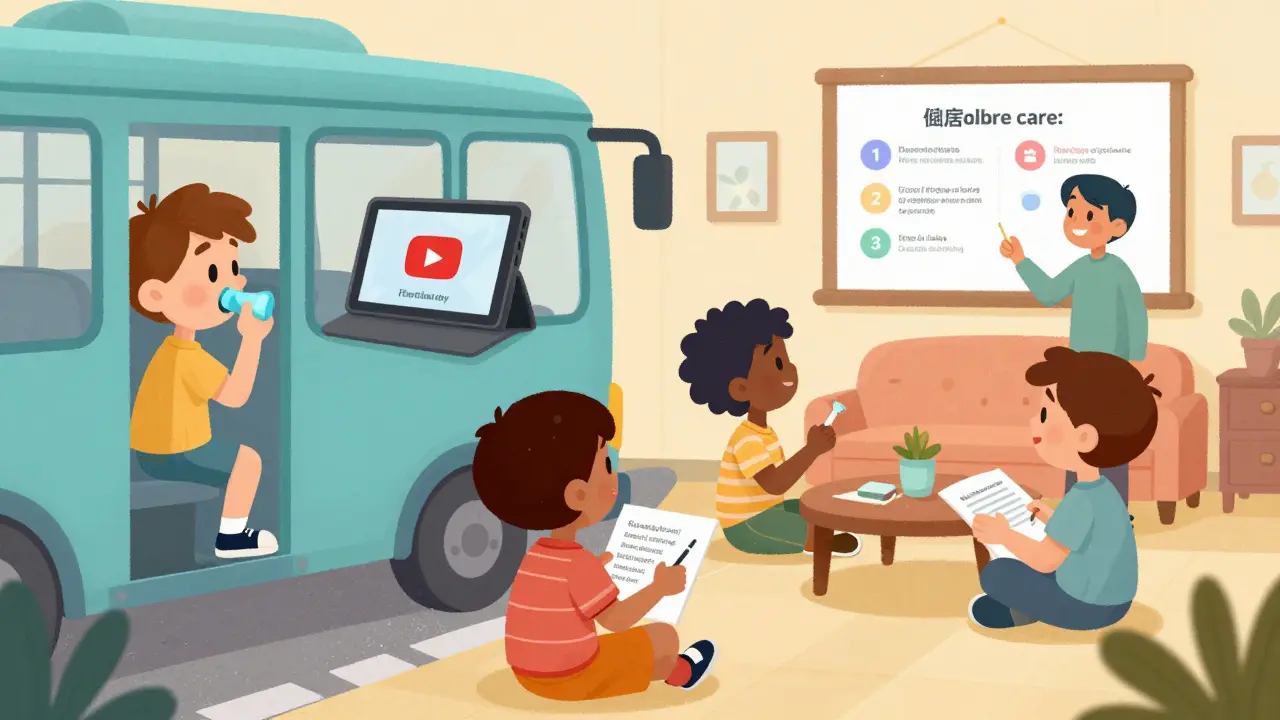
When you think of education, you probably picture a classroom, a teacher, and textbooks. But today, learning happens everywhere - on a tablet during a bus ride, through a voice assistant at home, or in a video chat with a tutor halfway across the world. Digital tools have changed how students learn, and not just in schools. Parents, caregivers, and even healthcare providers are using these tools to help people understand health, nutrition, medication, and self-care. The best part? Many of these tools are free, easy to use, and work on devices most people already own.
What’s Really Driving Learning Today?
In 2025, the most used learning tools globally weren’t fancy VR headsets or AI tutors you’d expect. According to Jane Hart’s annual survey, the top three were YouTube, ChatGPT, and Microsoft PowerPoint. That’s right - a video platform, a chatbot, and presentation software. Why? Because learning isn’t about the tool. It’s about access, clarity, and repetition. A parent watching a 5-minute YouTube video on managing a child’s asthma? That’s education. A student asking ChatGPT to explain how insulin works in simple terms? That’s education. A teacher using PowerPoint to break down a diabetes care plan into digestible slides? That’s education too.
These tools aren’t replacing teachers. They’re giving teachers and families more ways to reach learners. And that’s especially important in health education, where understanding can mean the difference between managing a condition and ending up in the hospital.
Apps That Actually Work for Kids and Families
Not all apps are created equal. Some are flashy games with little learning. Others are built by educators, tested in real classrooms, and designed for real needs. Here are the ones making a real difference:
- Khan Academy Kids - Free, ad-free, and built for ages 2 to 8. It covers early math, reading, and social-emotional skills. Parents of children with chronic conditions like asthma or diabetes use it to teach routines, emotions around illness, and basic body awareness. It works offline, needs only 500MB of storage, and runs on old tablets.
- Duolingo ABC - Designed for kids 3 to 7, this app uses speech recognition to help with early reading. It’s especially useful for families where English isn’t the first language. The app breaks down words into sounds, helping kids connect spoken language with written text - a key skill for understanding medical instructions.
- Prodigy Math - A game-based math app for ages 6 to 12. It’s not just about numbers. Teachers and health educators use it to teach measurement (like dosing medicine), patterns (like symptom cycles), and problem-solving (like tracking symptoms over time). A Stanford study found students using Prodigy improved math scores 47% more than non-users.
- Epic! - With over 40,000 digital books, this platform is a lifeline for kids with dyslexia or reading delays. Its read-aloud feature helped improve comprehension by 31% in a Vanderbilt study. Many pediatric clinics now recommend it to families as part of care plans.
How AI Is Changing the Game
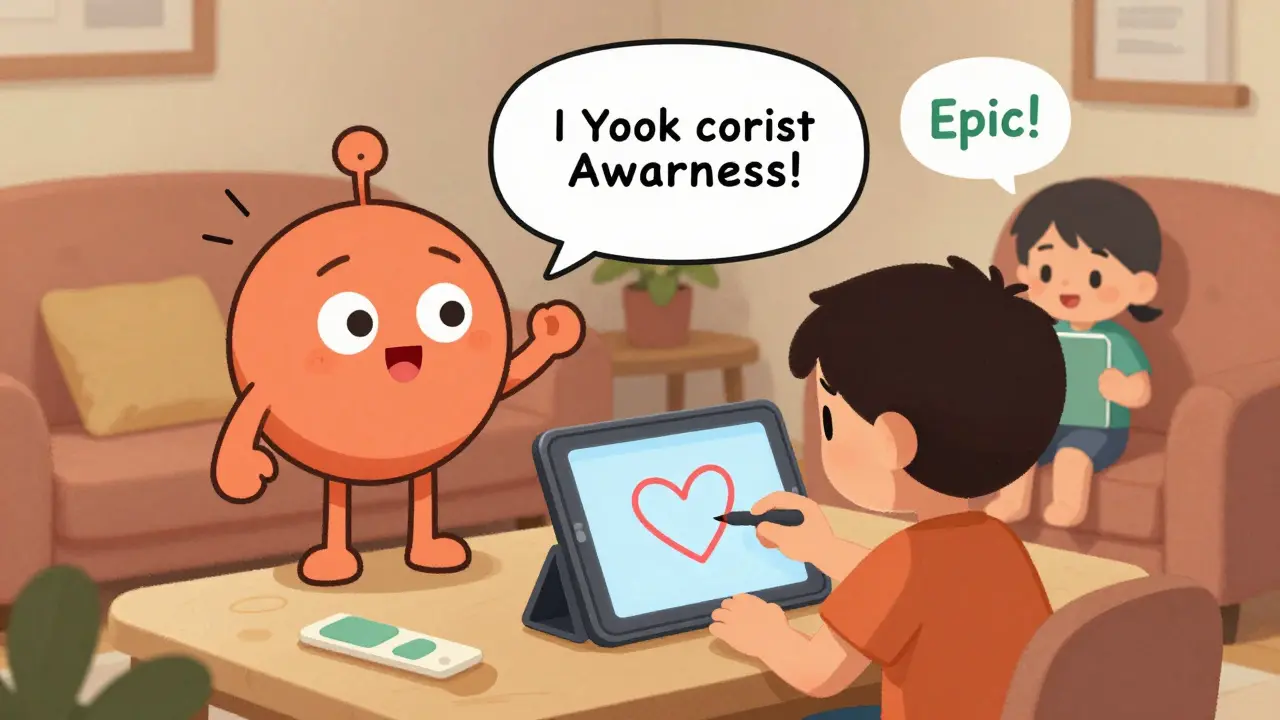
AI isn’t just a buzzword. It’s helping teachers and caregivers understand how students learn - especially when it comes to health concepts. Take Snorkl. Unlike most tools that only check written answers, Snorkl listens to what a student says and watches what they draw. A child might explain why they need to wash their hands before eating, then draw a picture of germs. Snorkl analyzes both and gives feedback in seconds. Teachers report it helps spot misunderstandings that written tests miss.
But AI has limits. A study by EdTech Digest found Snorkl gave incorrect feedback to non-native English speakers 12% of the time. That’s why it’s never used alone. It’s a helper - not a replacement. The same goes for NotebookLM from Google. Teachers can upload a handout about asthma triggers, and NotebookLM turns it into a quiz, a summary, or even a short video explanation. It saves hours of prep time.
Still, experts warn. Dr. Audrey Watters points out that AI grading tools make 27% more errors for English learners. And studies show AI can be biased - making 22% more mistakes when evaluating Black and Hispanic students. That’s why the best use of AI is to support, not automate, human judgment.
Video Tools That Turn Learning Into Doing
Understanding health isn’t just about facts. It’s about practice. That’s where WeVideo shines. Students don’t just read about handwashing - they film themselves doing it. They create videos explaining how to use an inhaler, or how to check blood sugar. Teachers can review them, give feedback, and even share them with families. Over 4.2 million educators use WeVideo. At $149 per classroom per year, it’s affordable for most schools.
Compare that to Deck.Toys, which turns lessons into interactive games. A teacher can build a 5-minute lesson where kids drag and drop healthy foods into a plate, or match symptoms to causes. It’s fun, and 78% of teachers say students complete assignments faster when they’re built this way.
What Works Best in Real Life?
It’s not about the fanciest tool. It’s about fit. Here’s what real educators are saying:
- Google Classroom - Used by 150 million students. Why? It’s simple. Teachers can post videos, assign readings, and collect responses all in one place. It takes only 2 hours for most users to get comfortable. And it’s stable - most teachers spend less than 15 minutes a week fixing tech issues.
- ClassDojo - With 16 million users, it’s popular because parents love it. Teachers send photos of kids washing hands, taking medicine, or doing breathing exercises. Parents get real-time updates. A University of Michigan study found this increased family engagement by 42%.
- Kahoot! - Used by 5 billion players. But here’s the catch: it’s great for quick reviews, not deep learning. One teacher said, “My kids race to answer, but can’t explain why the answer is right.” So use it for warm-ups, not main lessons.
The Hidden Challenges
There’s a big gap between what tools exist and what actually gets used. Sixty-three percent of teachers say they spend over two hours a week just fixing tech problems. Bandwidth is a problem in rural areas. Some tools need high-speed internet. Others need the latest devices. And then there’s privacy.
Seventy-four percent of school districts have to tweak tools to meet FERPA and COPPA laws - rules that protect kids’ data. A tool that collects voice, video, or health info? It needs extra safeguards. That’s why free tools like Khan Academy Kids are often safer. They don’t track students. They don’t sell data.
And let’s not forget the digital divide. Only 41% of U.S. schools have a device for every student. That means some kids learn on phones, others on shared tablets. The best tools work on all of them.
How to Start - Without Overwhelm
You don’t need to use 10 tools. Start with one. Follow the 5-15-45 rule:
- 5 hours - Train yourself on one tool. Watch tutorials. Try it out.
- 15 minutes - Use it every day. Even if it’s just showing a 3-minute video.
- 45 days - Stick with it. Don’t switch tools every week. Real change takes time.
Start with Khan Academy Kids or Epic! if you’re helping young children. Use WeVideo if you want students to show what they’ve learned. Try Snorkl if you need to understand how a student thinks - not just what they know.
What’s Coming Next?
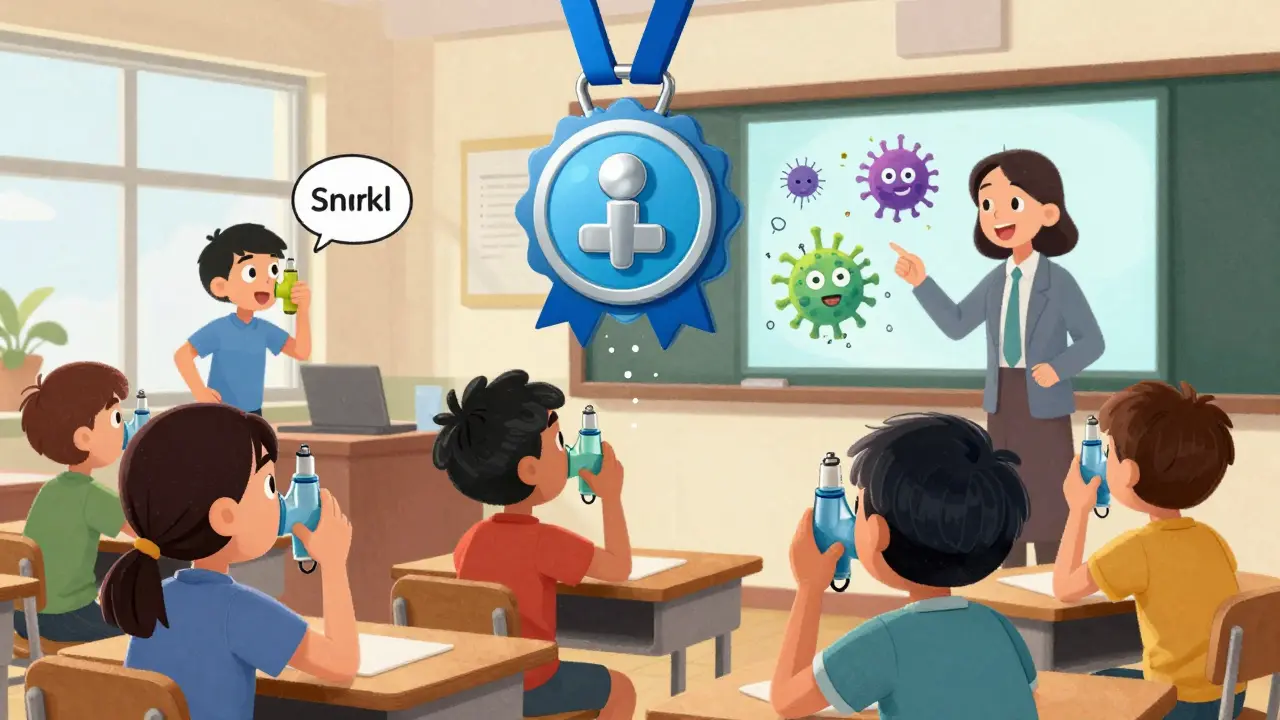
By 2027, AI tutors will handle 30% of basic skill instruction. Think of them like smart flashcards that adapt to how you learn. Blockchain might let students earn digital badges for mastering health skills - like correctly using an inhaler - that can be shared with doctors. And classrooms? They’ll blend physical and digital. A child might use a real inhaler while an AR app shows how the medicine moves through their lungs.
But none of this matters if the tools aren’t simple, safe, and rooted in real needs. The best digital tools don’t dazzle. They help.
Are these digital tools safe for kids’ privacy?
Safety depends on the tool. Free apps like Khan Academy Kids and Epic! don’t track students or sell data. Paid tools like WeVideo and BrainPOP Jr. follow FERPA and COPPA rules but require schools to configure privacy settings. Always check if a tool requires an email, phone number, or health data - and whether it’s approved by your school district. Tools that collect voice, video, or health info should have clear privacy policies and encryption.
Can these tools help someone with learning disabilities?
Yes - and some are designed for it. Epic! has read-aloud features that helped students with dyslexia improve comprehension by 31%. Duolingo ABC uses visual and audio cues to build early literacy. Snorkl captures verbal responses, which helps kids who struggle to write. The key is matching the tool to the need. A child who can’t read well might learn better through video or voice. A child who can’t sit still might learn through interactive games like Prodigy or Deck.Toys.
Do I need expensive devices to use these tools?
No. Most tools work on basic smartphones, tablets, or older laptops. Khan Academy Kids runs on Android 8.0+ and iOS 14+. Duolingo ABC needs only 2GB storage. WeVideo requires 4GB RAM and 2Mbps internet - which most home networks can handle. The biggest barrier isn’t the device - it’s internet access. If you have Wi-Fi or a decent mobile plan, you can use most tools.
Which tools are best for teaching health topics like diabetes or asthma?
Start with Khan Academy Kids for young children - it teaches routines, emotions, and body awareness. For older kids, use WeVideo to create videos explaining how to use an inhaler or check blood sugar. Epic! has books on chronic conditions with read-aloud options. Snorkl can help assess whether a student truly understands why certain behaviors matter - like handwashing or taking medicine on time. Combine these with simple charts or daily checklists for best results.
Are these tools only for schools?
Absolutely not. Many parents use Khan Academy Kids, Epic!, and Duolingo ABC at home to support learning. Health educators, nurses, and community centers use WeVideo and Snorkl to teach self-care skills. You don’t need to be a teacher to use these tools. If you’re helping someone learn about their health - whether it’s a child, an elderly parent, or a patient - these apps can help make that easier.
 Health and Wellness
Timothy Haroutunian
February 23, 2026 AT 23:11Let’s be real - we’re living in a world where PowerPoint is the third most used educational tool. Not because it’s revolutionary, but because it’s the only thing that doesn’t crash, doesn’t require a login, and doesn’t track your kid’s breathing patterns. YouTube? Sure. ChatGPT? Fine. But PowerPoint? That’s the unsung hero of the classroom. A teacher in rural Alabama uses it to explain insulin dosing with three bullet points and a clipart of a pancreas. No Wi-Fi? No problem. No budget? Still works. Meanwhile, we’re all hyping AI tutors that can’t tell the difference between a child with dyslexia and a kid who just didn’t sleep. The real innovation isn’t in the tech. It’s in the teacher who still prints out a PDF and hands it to a kid who’s never owned a tablet.
And don’t get me started on the ‘40,000 books’ argument. Epic! is great - until the district blocks it because it ‘collects reading habits.’ Which, by the way, is code for ‘we’re selling your child’s attention span to a data broker.’ We’re not educating kids. We’re feeding them into a surveillance machine dressed as a learning platform.
Start with one tool? Please. Start with one *adult* who actually listens. That’s the only app that doesn’t need an update.
And yes, I’m still mad about the time my niece’s school bought 30 iPads… for a class of 12. They’re now collecting dust in a closet labeled ‘Future Ready.’
Erin Pinheiro
February 24, 2026 AT 11:05ok so i just read this whole thing and i have to say… why is everyone acting like khan academy kids is some kind of miracle? it’s just cartoons with numbers. and epic!?? really? the one with the creepy mascot that looks like a deflated balloon? and dont even get me started on snorkl - it listens to kids?? what if my kid says ‘i dont wanna wash my hands’ and it thinks that’s a *correct* answer? what kind of ai is this? i swear half these apps are just corporate propaganda disguised as education. and who approved the ‘45 days’ rule? like, you’re gonna stick with something for 45 days when your 5yo is screaming because the app keeps asking her to ‘drag the red apple’ for the 8th time? i’m not a teacher but i’m a mom. and i know when something is bullshit. also… why is no one talking about the fact that these tools are all built on data harvesting? they’re not helping kids. they’re training them to be perfect little data points. i’m not paranoid. i’m just not stupid.
Michael FItzpatrick
February 25, 2026 AT 00:27There’s something profoundly beautiful about the fact that the most effective educational tools aren’t the ones with the flashiest interfaces - they’re the ones that remove friction. Khan Academy Kids doesn’t need a login because it understands that a tired parent at 10 p.m. shouldn’t have to jump through hoops to help their child understand emotions. Epic! doesn’t demand bandwidth because it knows a child in a mobile home with spotty internet still deserves to hear a story read aloud. WeVideo? That’s not just a video editor - it’s a mirror. It lets a kid with asthma, who’s never been able to speak up in class, say: ‘This is how I breathe.’ And for the first time, someone sees them. Not as a diagnosis. Not as a statistic. But as a person.
AI tools like Snorkl and NotebookLM? They’re not replacements. They’re translators. They translate the silence between words - the hesitation, the doodle, the whispered explanation - into something a teacher can *see*. And that’s revolutionary. We’ve been so obsessed with ‘engagement metrics’ and ‘gamified learning’ that we forgot: learning isn’t about points. It’s about presence.
Yes, there are flaws. Yes, privacy matters. But the real tragedy isn’t data collection - it’s indifference. The moment we stop asking, ‘Who is this for?’ and start asking, ‘How much profit can we extract?’ - that’s when we lose. These tools aren’t magic. But they’re medicine. And medicine doesn’t need to dazzle. It just needs to work.
Ashley Johnson
February 26, 2026 AT 20:33These apps are all controlled by Big Tech and the Department of Education. You think Khan Academy is free? Think again. The ‘ad-free’ label is a lie. They’re harvesting voice data through the read-aloud feature and selling it to pharmaceutical companies to target parents of asthmatic children. I checked the EULA - buried in section 12.4.7 - they’re allowed to ‘analyze speech patterns for behavioral health profiling.’ That’s why they push Snorkl so hard. It listens. It watches. It records. And then? It feeds it into a predictive model. They’re building a digital health dossier on every child under 12. And the schools? They’re complicit. They don’t care. They just want the grants. The digital divide? That’s not about devices. It’s about who gets surveilled. My daughter’s school uses ClassDojo. I saw the footage. They tagged her ‘noncompliant’ because she didn’t smile during handwashing practice. What kind of dystopia are we living in?
tia novialiswati
February 27, 2026 AT 08:00Just wanted to say thank you for this post. As a mom of a kid with dyslexia, Epic! changed our lives. We used to cry every night during reading time. Now? She chooses books. She asks for more. She even reads to her little brother. And WeVideo? She made a video explaining why she needs to check her blood sugar before bed. We shared it with her pediatrician. He cried. I cried. It’s not about the tech. It’s about giving kids a voice. I know some people are scared of AI, but I’m just grateful for anything that helps my child feel seen. Keep sharing this stuff. We need more of it. 💛
Lillian Knezek
February 28, 2026 AT 07:57They’re all tracking us. I know because I found the hidden code in Duolingo ABC. There’s a file called ‘child_speech_model_v3.dat’ - it’s not for pronunciation. It’s for emotional tone analysis. They’re building a database of how kids react to medical terms. Why? So when a pharmaceutical company wants to market a new inhaler? They know exactly which child is scared, which one is angry, and which one is compliant. This isn’t education. It’s behavioral conditioning. And the fact that no one’s talking about this? That’s the real danger.
Maranda Najar
March 1, 2026 AT 20:43Oh, the poetry of it all - the grand, tragic, beautiful irony. We have turned the sacred act of teaching - the whispering of wisdom, the patient guidance, the trembling hand on a child’s shoulder as they grasp a new idea - into a marketplace of digital widgets. A child learns to manage asthma not through the quiet presence of a nurse, but by dragging a cartoon inhaler across a screen while an algorithm applauds. We have commodified vulnerability. We have turned health into a gamified experience, and then wonder why our children are emotionally hollow. The tools are not the problem - the *philosophy* is. We no longer believe in the human being as the center of learning. We believe in the data point. And so, we have sacrificed the soul of education on the altar of efficiency. We are not educating. We are optimizing. And in the process, we have lost the very thing that made learning sacred: connection.
Dominic Punch
March 3, 2026 AT 05:24Let me tell you what I’ve seen in rural schools in Wales - and yes, I’ve been there. The kids don’t care about PowerPoint. They don’t care about AI. They care about the teacher who stayed after school to help them film their inhaler video on a cracked iPhone. That’s the tool. That’s the platform. That’s the ‘app.’
Khan Academy Kids? Brilliant. Epic!? Lifesaver. But none of it matters if the teacher doesn’t have time to use it. The real crisis isn’t tech - it’s workload. Teachers are drowning. They’re spending 2 hours a week fixing tech because no one gave them training. No one asked them what they needed. They were handed tools like they were Christmas presents - wrapped, untested, and with no instructions.
Start with one tool? Start with one *hour* of support. One *day* of training. One *conversation* with a teacher who’s been doing this for 20 years. That’s the real innovation. Not the app. The person behind it.
And for the love of all that’s good - stop selling this as ‘revolutionary.’ It’s just good teaching. With better lighting.